This action will delete this post on this instance and on all federated instances, and it cannot be undone. Are you certain you want to delete this post?
#Linux 15 hashtags

JayVii posted Jul 27, 2025
Question to the #LinuxPhone/#PostmarketOS/#PinePhone community: I still have the OG Pinephone from 2020 in a drawer and was playing around with the idea of using it as a semi-#dumphone / less distraction riddled device for day to day usage.
How is the current state of Linux on a Phone and what about this particular device? The PmOS wiki page looks promising,, so does the Debian wiki (which was my main phone OS back then) but I am unsure how well this is maintained. IIRC, it became somewhat abandoned when the #PinePhonePro arrived.
JayVii posted Aug 2, 2024
Oh yes, #WorldOfGoo2 has been released today and it's available DRM-free for Win/Mac/#Linux: https://worldofgoo2.com/
Tomorrow, it's time for some nostalgia #WorldOfGoo #Gaming
JayVii posted Jun 27, 2024
Pretty happy with my #sway setup now. #waybar and #sov give it a very clean, functional but pretty surface. #Linux #Debian #Wayland

JayVii posted Jun 25, 2024
Experimenting with #sway for a bit (https://src.jayvii.de/pub/dotfiles/file/sway/.config/sway/config.html). Feels a lot more mature (but obv less flashy) than #wayfire. And really snappy! If you have any tipps or suggestions, feel free to send them my way :) #Linux #wayland
JayVii posted Mar 17, 2024
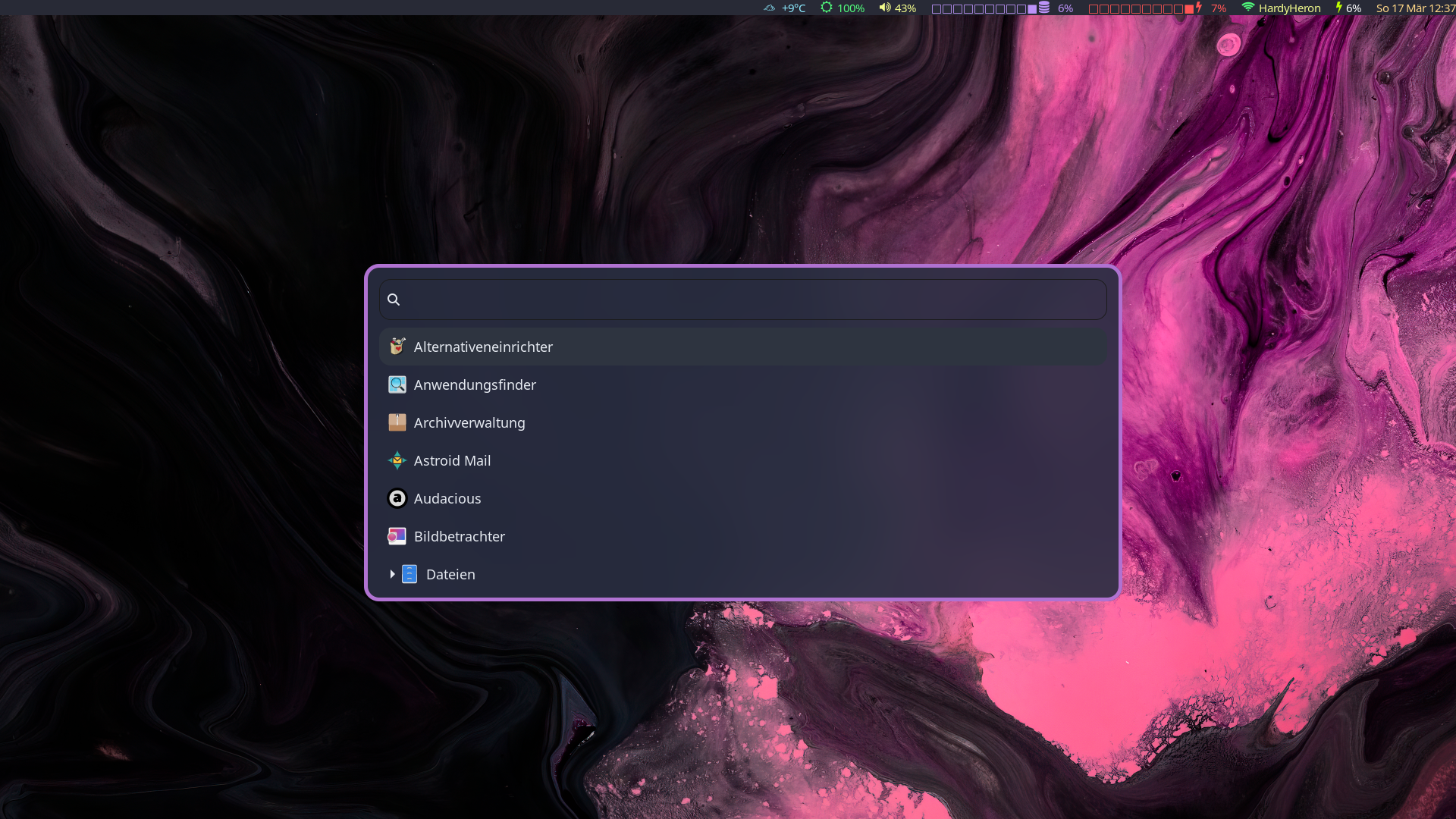
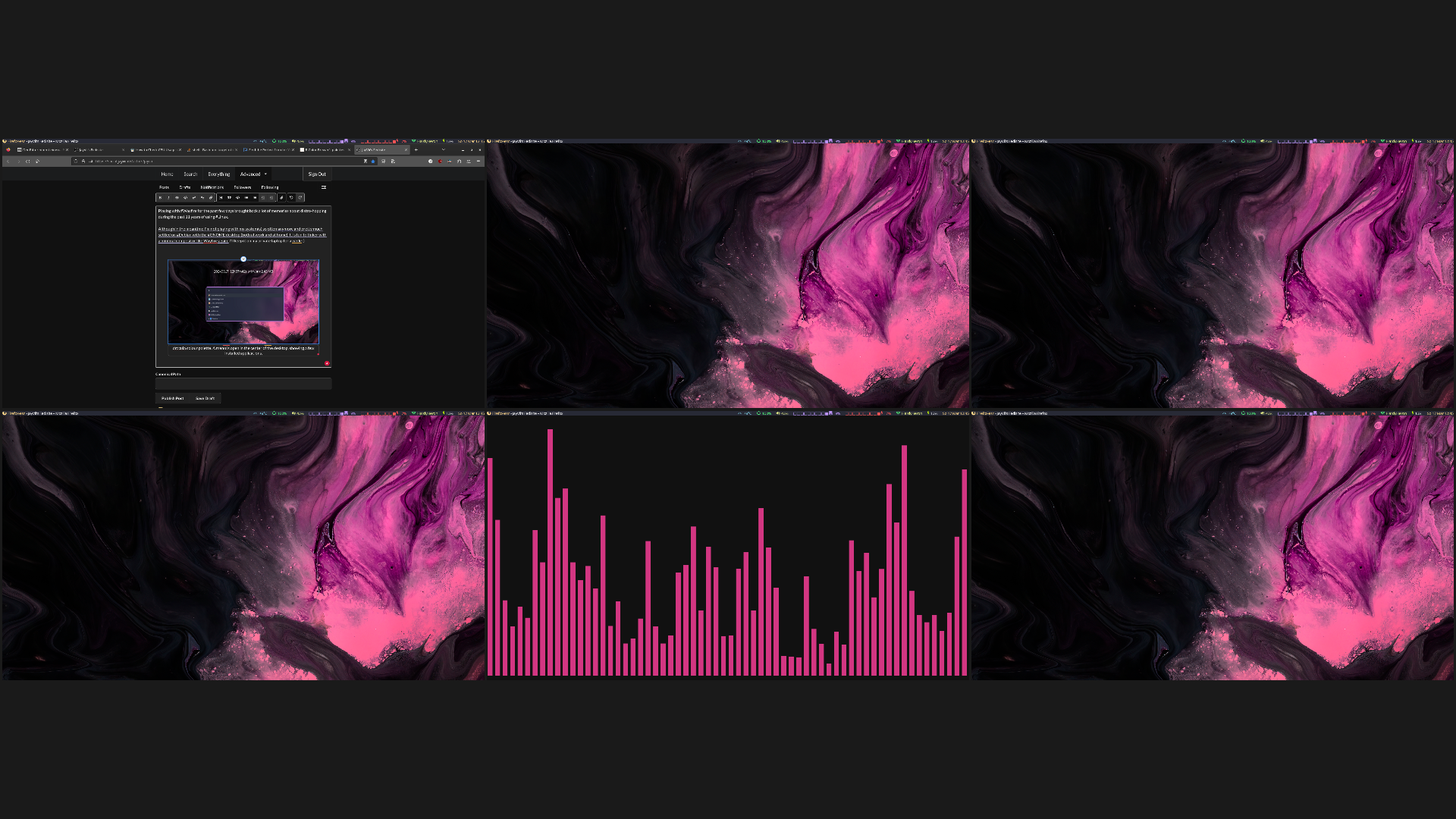
Playing with #Wayfire for the past few days brought back a lot of memories about distro-hopping during the past 11 years of using #Linux.
Although in the meantime I'm not playing with my system(s) so often anymore and pretty much settled on #Debian with the #GNOME desktop (both at work and at home), It is fun to tinker with a minimal compositor like Wayfire again. I'll keep it on my private laptop for a while :) #Wayland
JayVii posted Mar 17, 2024
Playing with #Wayfire for the past few days brought back a lot of memories about distro-hopping during the past 11 years of using #Linux.
Although in the meantime I'm not playing with my system(s) so often anymore and pretty much settled on #Debian with the #GNOME desktop (both at work and at home), It is fun to tinker with a minimal compositor like Wayfire again. I'll keep it on my private laptop for a while :) #Wayland
JayVii posted Jan 1, 2024
JayVii posted May 2, 2023
JayVii posted Mar 23, 2023
What's the current trend in #immutable #Linux desktops? I've been following developments of #Fedora silverblue and #OpenSuse MicroOS, bit haven't found an afwul lot of user experiences for day-to-day desktop usage. Anyone out there with insights or recommendations?